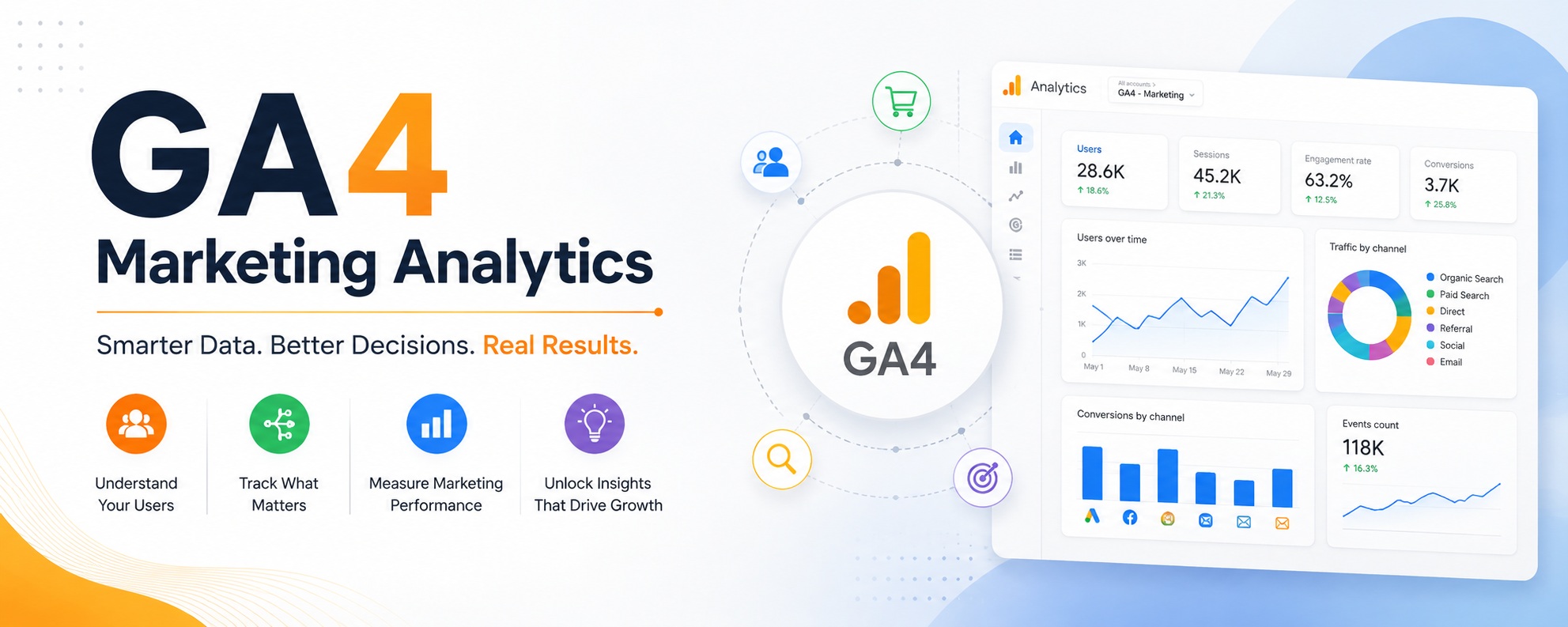
Google Analytics 4 is more powerful than its predecessor. It is also significantly more complex. Most marketing teams spend more time configuring it than actually using it to make decisions.
The Metrics That Actually Matter
GA4 tracks hundreds of dimensions and metrics by default. The majority are noise for most businesses. Focus on a small set of indicators that directly connect to business outcomes.
For Lead Generation Businesses
- Form submissions (configured as conversion events)
- Session source and medium for conversion paths
- Engagement rate by landing page
- User journey from first touch to conversion
For Content-Driven Sites
- Scroll depth on key articles
- Average engagement time per page
- Traffic source breakdown for organic vs direct
- Return visitor rate
Setting Up Conversions Correctly
The most common GA4 mistake is not configuring conversion events. Without this, GA4 shows you traffic but tells you nothing about outcomes.
Every business should have at minimum: a contact form submission event, a thank you page view, and a phone number click event if relevant.
Using GA4 With Looker Studio
Raw GA4 data is difficult to read in the native interface. Connecting GA4 to Looker Studio and building a simple dashboard — traffic, conversions, top pages — makes weekly reporting significantly faster and more actionable.